

TikTok Wrapped: What It Is, How It Works, and How To Access Yours
Published on 28th of December 2025Discover the story hidden in your scrolling. This guide reveals how to access your unofficial TikTok Wrapped and how to interpret its insights on your viewing habits.
More than just a curiosity, these analytics can inform your strategy, whether you're looking to understand your own consumption or grow your presence.
Furthermore, you will also learn how Blastup can help apply these insights by providing services to boost your account's initial growth and visibility. Get ready to decode your data and discover what comes next.
Contents
Understanding TikTok Wrapped: The Unofficial Annual Audit
At its core, TikTok Wrapped is a tool that transforms your raw usage data into a visual, shareable summary of your annual activity. The most prominent version available is Wrapped for TikTok, created by developer Bennett Hollstein.
It functions by analyzing the archive of data that TikTok collects on every user—a file you can request from the platform. This process provides a retrospective that is both personal and surprisingly profound.
How is it Different?
To be clear, this is different from the analytics dashboard available to TikTok creators, which focuses on channel performance. TikTok Wrapped is available for everyone, from the casual scroller, the super-enthusiast, and to the dedicated creator.
It answers questions you might not have thought to ask:
-
What was your average screen time per session?
-
Which emoji did you lean on most in comments?
-
What time of day were you most active?
Your Step-by-Step Guide to Accessing Your TikTok Wrapped
 Getting your Wrapped is a simple process, but it requires patience and a few precise steps. The entire operation is designed with privacy in mind.
Furthermore, your data is processed locally in your browser and is never uploaded to any external server.
Here is how to do it.
Phase 1: Request Your Data from TikTok
This is the most time-consuming part, as TikTok needs to compile your personal archive.
-
1. Access settings: On a desktop web browser for easier file handling, go to the TikTok website and log into your account. Then, navigate to your profile, click on "Settings and Privacy," and find the "Download your data" option.
-
2. Request the file: You will be presented with format options. To work with the Wrapped tool, you must select "JSON" – the machine-readable file format. Finally, submit your request.
-
3. Wait for processing: TikTok states it can take up to four days for your data file to be ready. You will receive a notification within the app when it is available for download. Remember, this download link expires, so retrieve it promptly once notified.
Phase 2: Prepare and Upload Your Data
Once you have the .zip file from TikTok, the next steps happen on the Wrapped for TikTok site.
-
1. Consider your privacy (Optional but recommended): Your TikTok data export can contain identifying information like your email or phone number. While the Wrapped tool states it does not use this data, you can choose to redact it. You can open the main user_data.json file in a simple text editor, search for fields like "Profile," and remove sensitive strings between the quotation marks before saving.
-
2. Generate Your Wrapped: Go to the Wrapped for TikTok website. Click "Select file," choose your user_data.json file, and hit "Show me!". Your browser will now process the file locally and present your personalized recap.
Decoding Your Results: What Your TikTok Data Actually Says
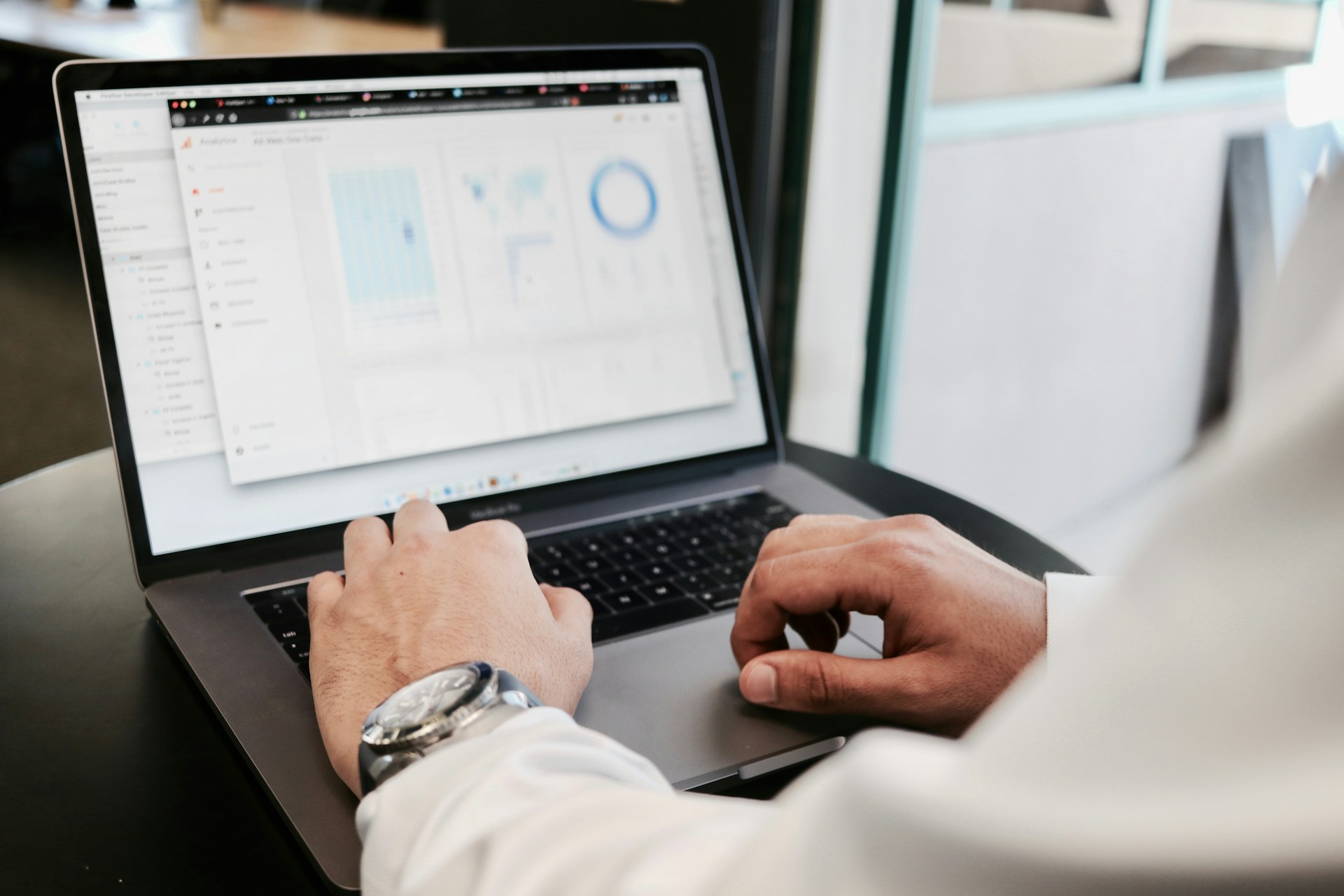 The presentation unfolds in a slideshow format, set to music, revealing your year in numbers. Beyond the obvious stats lie more nuanced insights that paint a picture of your digital behavior.
You will discover your most active day of the week, pinpointing whether you are a weekday lunch-break scroller or a weekend marathon viewer.
Furthermore, you will see your average watch session length, a stark metric that reveals the true hold of TikTok’s algorithmic flow.
One of the more personal touches is your most-used emoji in comments, a tiny digital fingerprint of your reactive style. Perhaps the most engaging element is the assignment of a "TikTok persona."
Privacy, Trust, and Why You Can (Cautiously) Proceed
Handing your data to a third-party website rightly triggers caution. The developers of Wrapped for TikTok have addressed this head-on with a transparent, privacy-centered model.
The key point is that all processing happens locally on your device. Your TikTok data file is never sent over the internet to their servers, but it stays in your browser tab. When you close the tab, the data is gone.
For those with technical concerns, the developer has made the full source code publicly available on GitHub for independent review. This level of transparency is a strong indicator of good faith.
Furthermore, the data you download from TikTok does not include your password or login credentials. It is a record of your activity, not a key to your account.
The ultimate safety precaution rests with you. Only download your data from TikTok’s official settings page, and only use it with the known, reputable tool linked in this article.
Avoid any other apps or sites that demand direct TikTok login credentials, as these are likely scams.
Final Thoughts
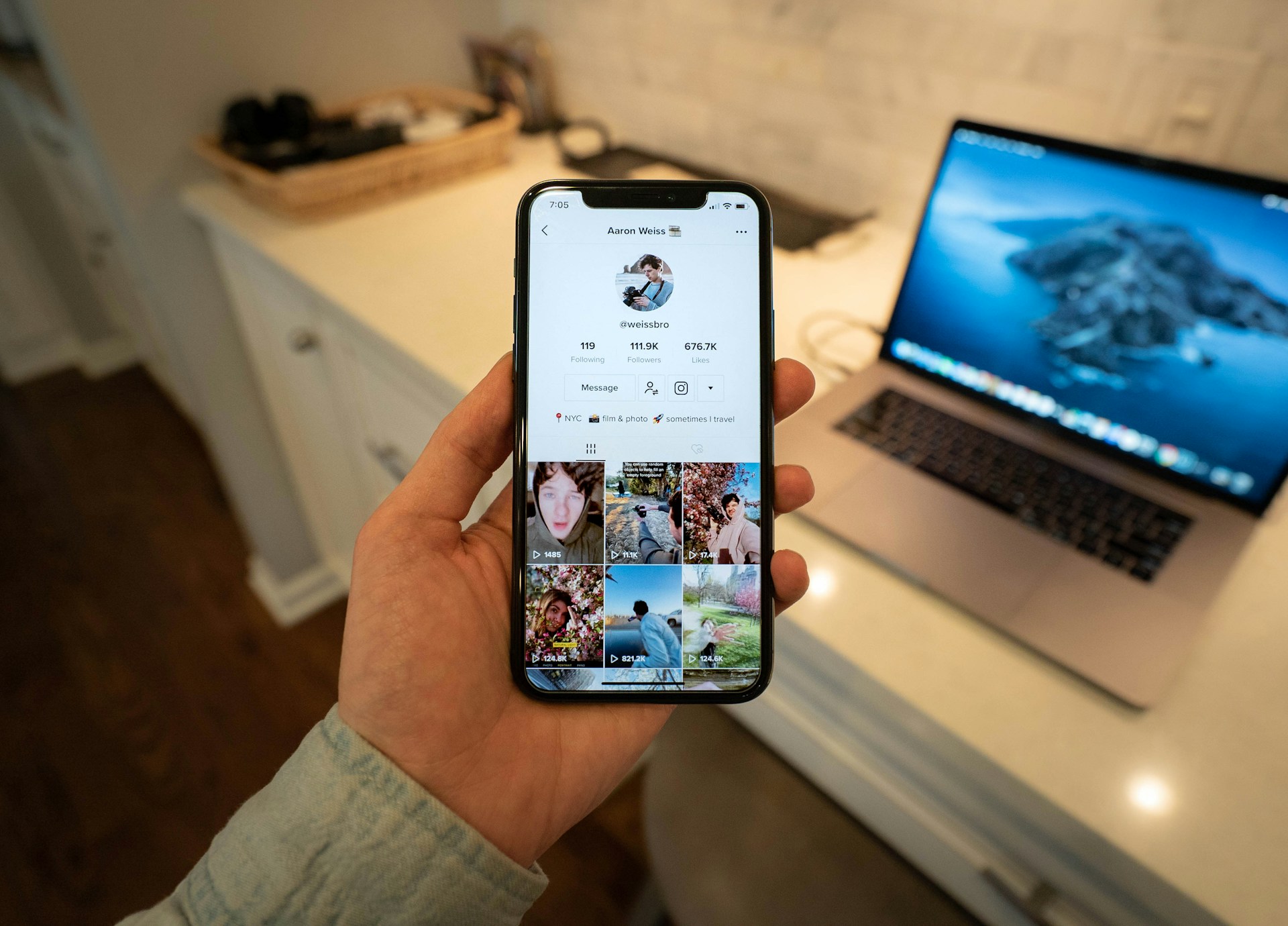 Reflecting on your TikTok Wrapped data is just the start, but the real power lies in using those insights to grow. Your personal analytics reveal what captures attention, but building the initial momentum for the algorithm to notice can be a challenge.
This is where a strategic boost can help. Blastup provides that initial push, offering services like TikTok followers, likes, and automatic views to deliver instant social proof.
Our services are designed to help ignite organic growth by enhancing profile credibility and engagement metrics. For creators ready to move from retrospective analysis to proactive growth, starting with a free trial of followers is a practical first step.
Ready to turn your insights into impact? Try Blastup's free trial and accelerate your growth today.